Manage your FC Community Bank accounts online and keep up with your everyday banking from wherever you are.
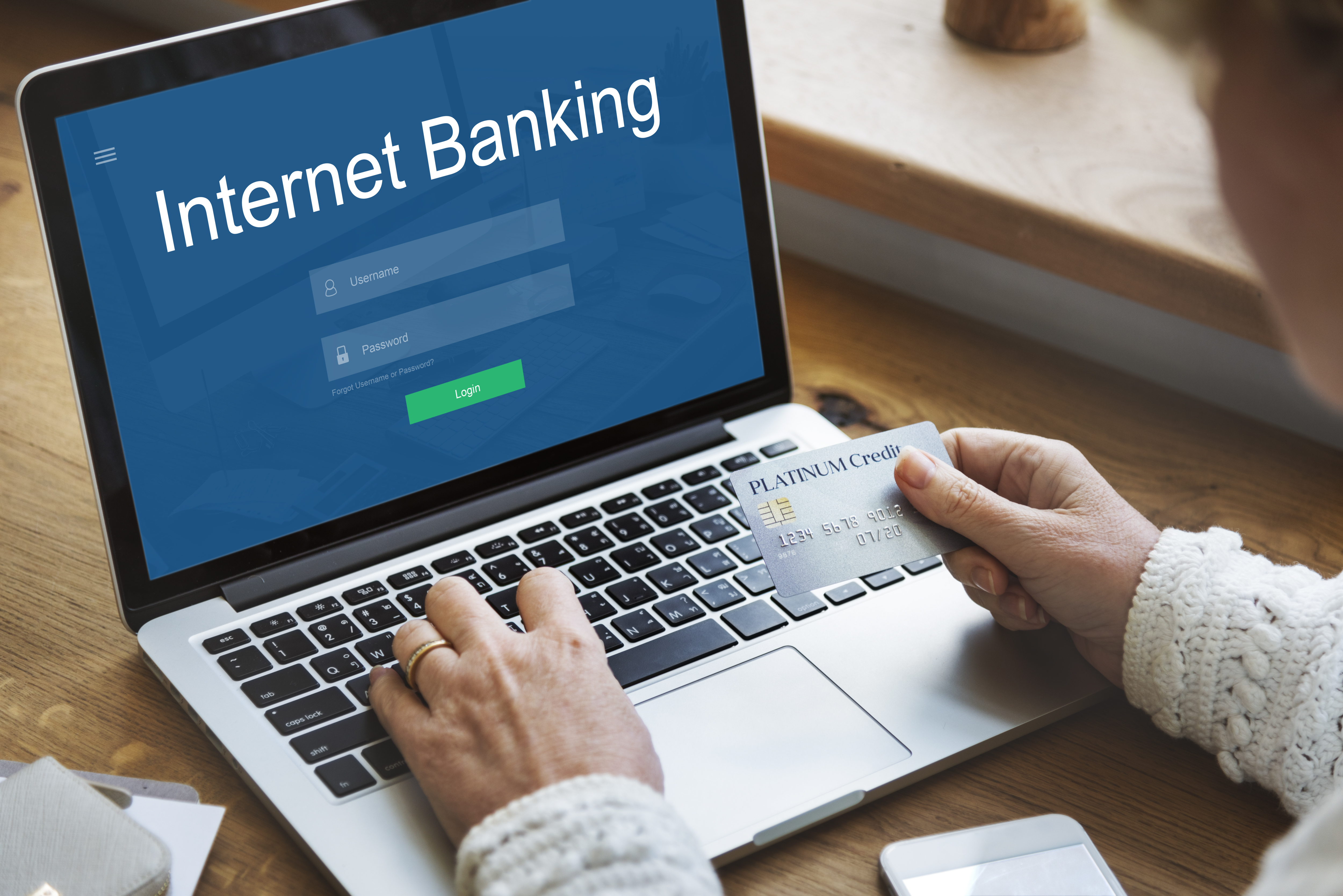
Digital banking gives you a convenient way to stay connected to your accounts and manage your everyday banking needs online.
Access useful banking features without having to visit a branch for every routine banking task.
Keep track of your accounts and review your available balances online.
Manage eligible transfers between your accounts and available banking destinations.
Review your account activity and keep track of recent transactions.
Keep up with important account notifications and banking activity.
Access your banking experience online from your computer or supported device.
Use your secure online banking access to manage your accounts conveniently.
Digital banking gives you a convenient way to check in on your finances and take care of routine banking needs without making a trip to a branch.
Keep an eye on your account balances and transaction activity.
Make eligible transfers through your online banking account.
Review your recent banking activity whenever you need to.
Our branches and offices remain available when you need in-person assistance.
If you already have access to FC Community Bank digital banking, sign in to manage your account online. If you need assistance getting started, visit any FC Community Bank branch or office.
Have an eligible FC Community Bank personal account before using digital banking.
Follow the applicable process to obtain access to your online banking account.
Sign in and manage your banking through the digital banking experience.
Keep your login information private and avoid sharing your banking credentials with others. Always sign out after using online banking, especially when using a shared device.
Sign in to your FC Community Bank digital banking account or visit any FC Community Bank branch or office if you need help getting started.
Visit any FC Community Bank branch or office and speak with our team for assistance.
Get Started